FIG.01 / Hub
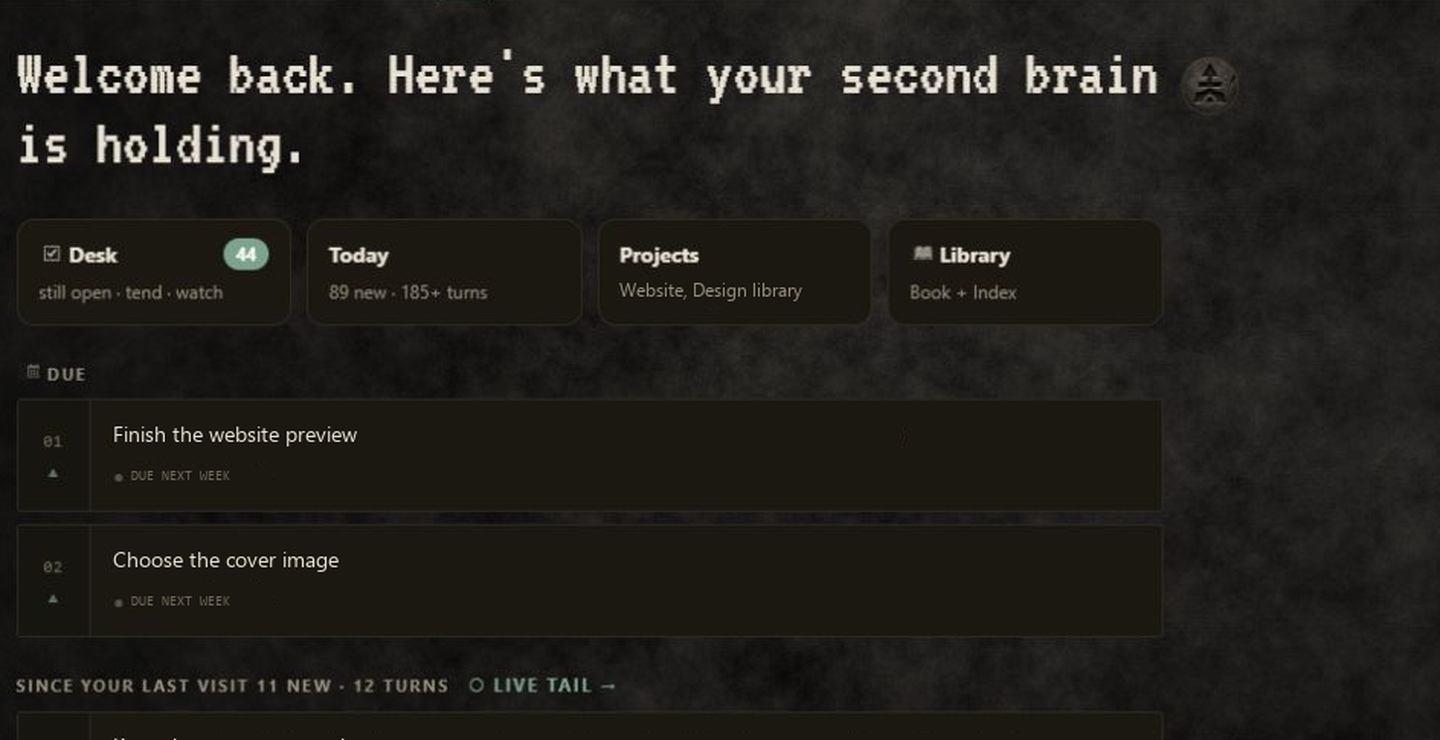
Pick up where you left off.
Check due items, return to recent notes and see activity across your projects.
9 seconds · Silent video · Example private text
Open video ↗What this clip shows
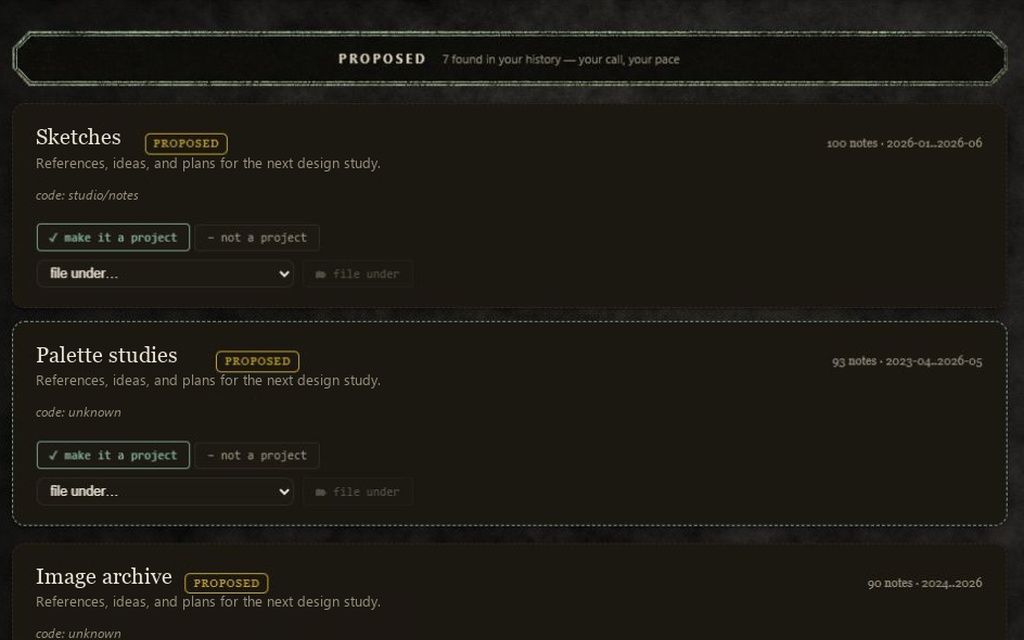
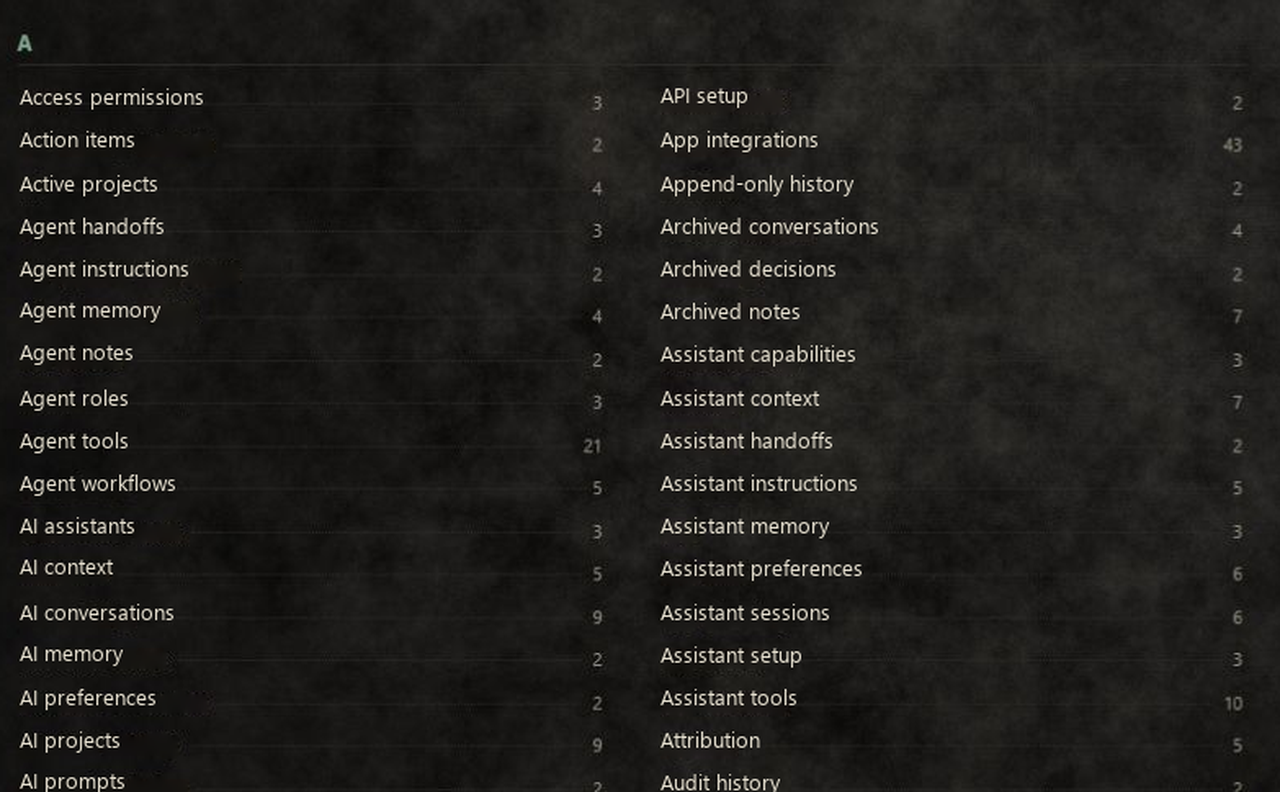
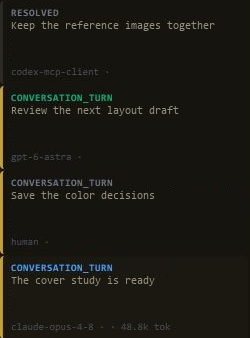
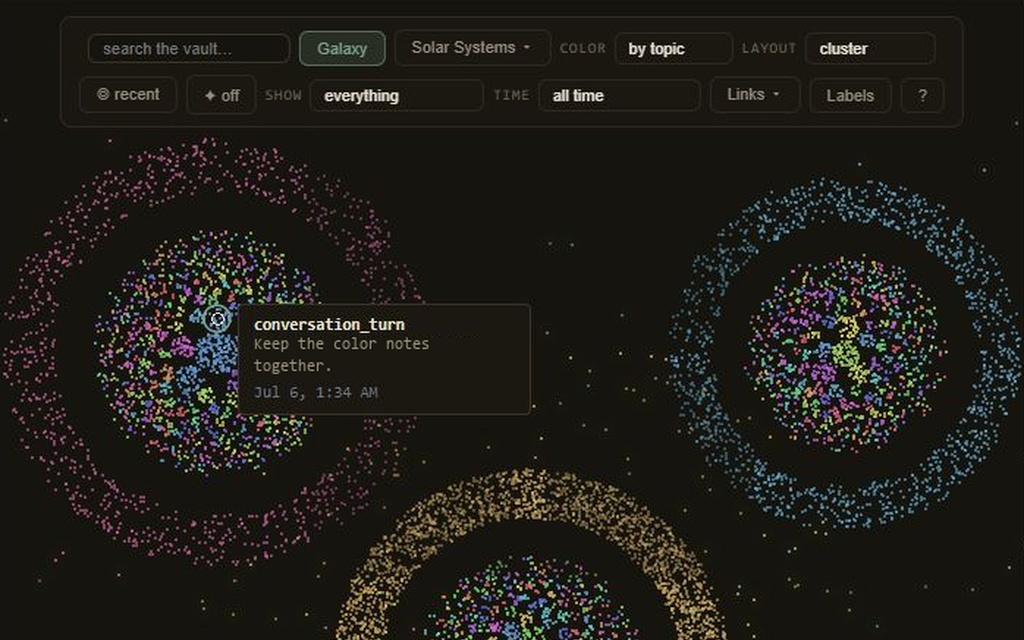
The view moves from the welcome and Desk / Today / Projects / Library cards through due items, recent notes, and project activity. Memory kinds, counts, timestamps, and the more-projects control stay visible.
Private note text, project names, and personal due dates use examples.